




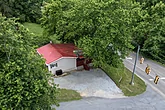
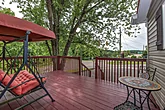
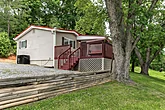

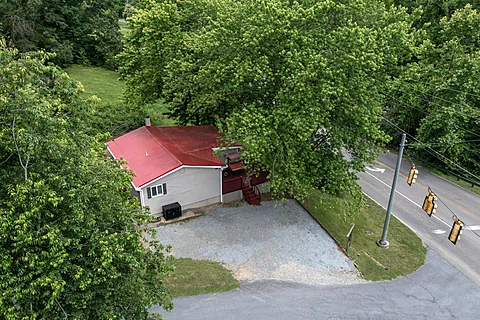
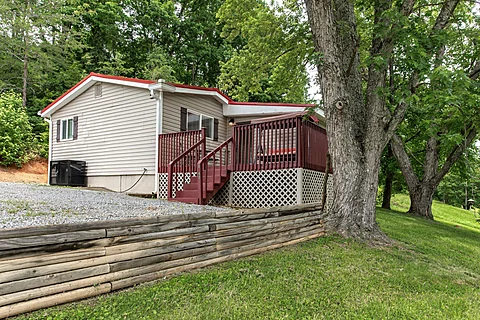
Enjoy a memorable getaway at "Dolly's Neighbor." This
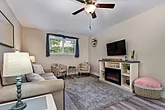
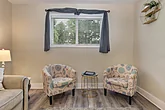
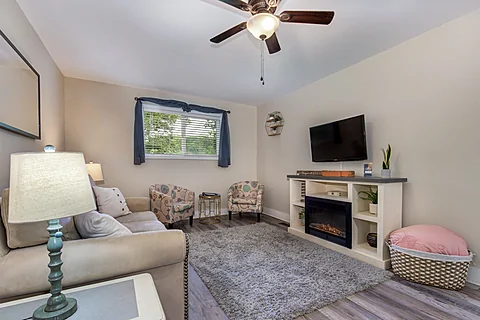
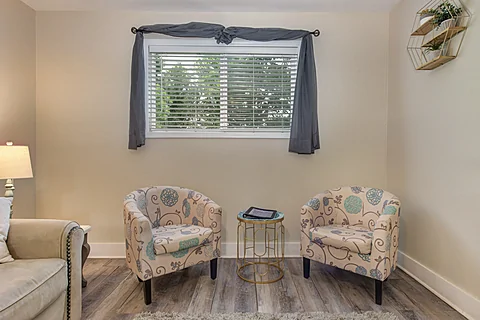
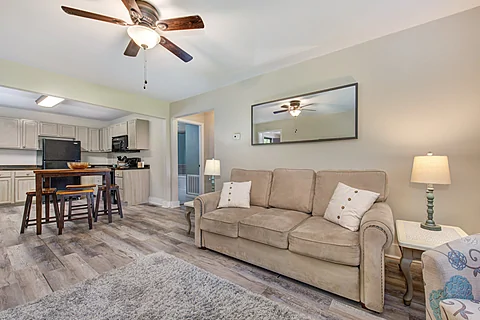
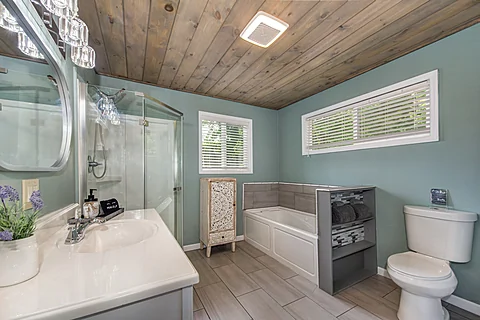
Step inside your
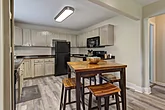
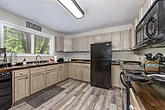
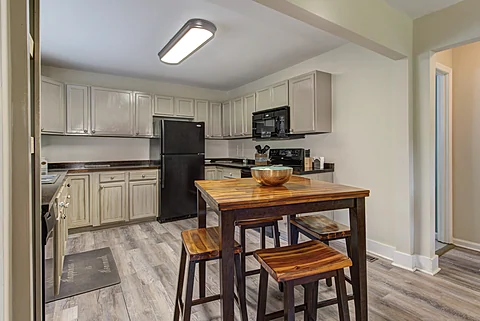
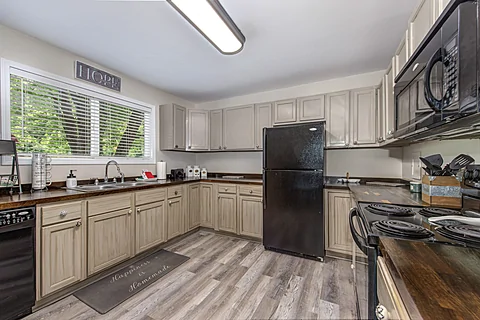
While there are many dining options nearby, none are as convenient as having a fully equipped kitchen. Make snacks when you have the munchies or prepare a full-course meal to share in the dining area. After eating, it's time to hop in the car and play in the Smokies.
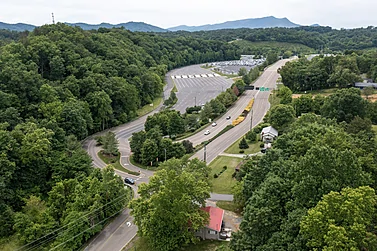
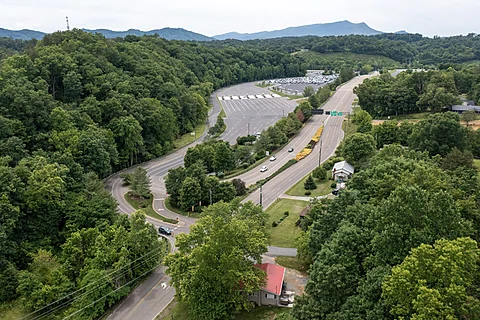
"Dolly's Neighbor" sits directly across the street from the entrance to Dollywood, making the popular theme park a no-brainer to visit while on vacation. However, the rest of the Pigeon Forge area is only a short drive away. Play at the Island or tour the Rainforest Adventures Zoo. It's all within reach from your vacation rental.
Drive a little further, and you'll find downtown Gatlinburg, where fun options like Ober Gatlinburg, Gatlinburg Space Needle, and other favorites await you and your guests. Alternatively, you can slow things down by visiting the Great Smoky Mountains National Park or finding souvenirs in the Village Shoppes.
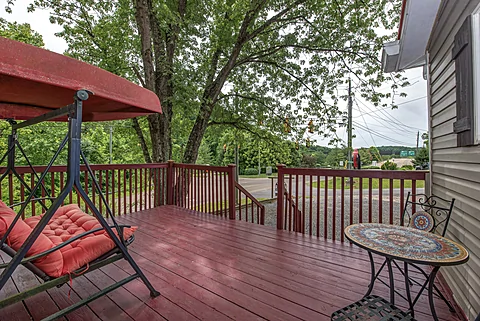
After a fun-filled day in Pigeon Forge, you'll love relaxing and taking it easy at your
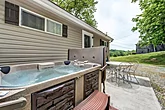
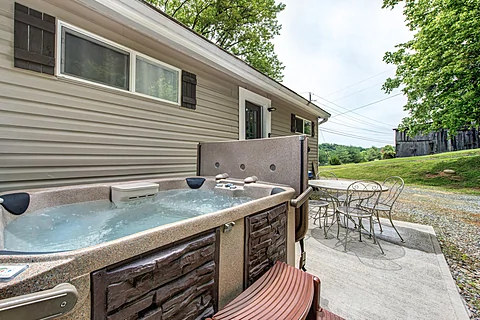
For pure relaxation, nothing beats a visit to the nearby hot tub. Slip into the warm water and soothe the day's aches and pains while planning another adventure in the Smokies with the other guests.
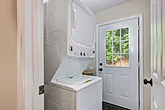
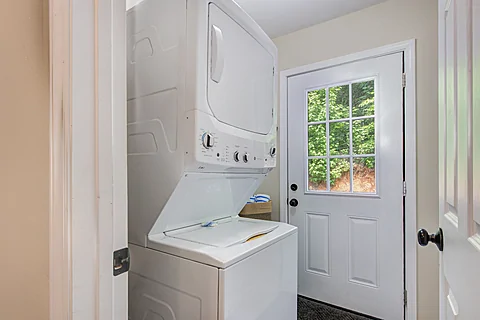
In addition to the comfortable features, you'll also enjoy access to practical amenities like Wi-Fi Internet and a washer/dryer, allowing everyone to enjoy a smooth vacation experience.
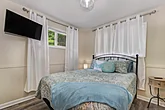
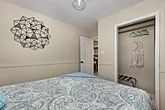
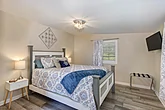
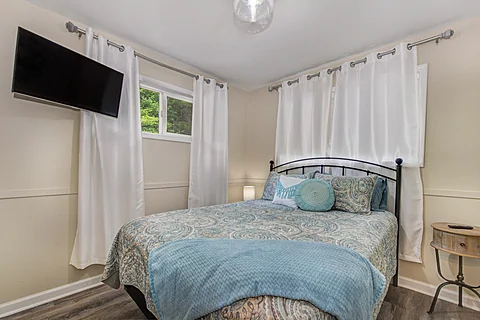
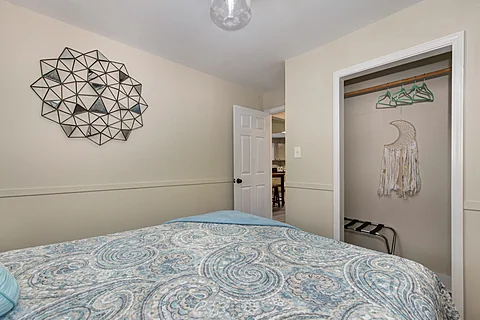
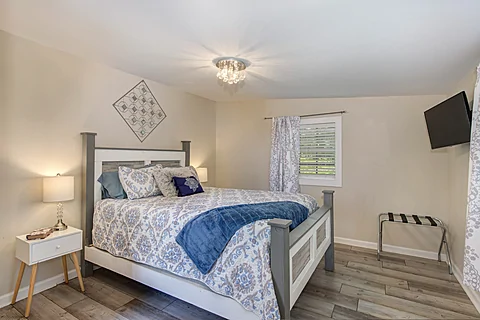
Once ready to rest, you can look forward to sleeping in one of the two queen-sized bedrooms for a good night's rest.
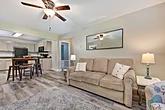
With the sleeper sofa, "Dolly's Neighbor" accommodates up to six guests, making it ideal for a small family vacation or a trip with friends in the Pigeon Forge area.
Enjoy the vacation of a lifetime with unmatched access to Dollywood by grabbing your spot at "Dolly's Neighbor!" Book your
Instructions:
Do you want to explore the cabins before you arrive? That's easy, thanks to our 3D Tour powered by MatterPort. Just press the Play button to get started. There are different viewing options available:
In first-person view, navigate through the cabin using the touch screen.
To look around, drag your finger left, right, up, or down. To move to another area, tap on the screen or the hollow white circles on the floor to move the direction you're facing.
To view in full-screen, click the far right icon to enter full-screen mode. Drag from the top of the screen and press the back button to exit full-screen mode.
To use measurement mode, after clicking the plus sign, press and hold to add your start point. Once done, press and hold to add your end point.
In first-person view, use the arrow keys on your keyboard to move around the cabin.
The left and right arrows let you look around while the up and down arrows let you move forward and backward. Also, you can click on the hollow white circles to move to a specific point.
To view in full-screen, click the icon on the far right to enter full-screen mode. Press escape to exit full-screen mode.
To use measurement mode, after clicking the plus sign, click anywhere you want to add to your start point. Once done, click on another spot to add your end point.
 - Office Location
 - Vacation Home Location
