




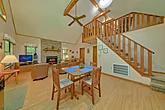
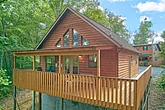
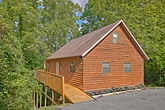

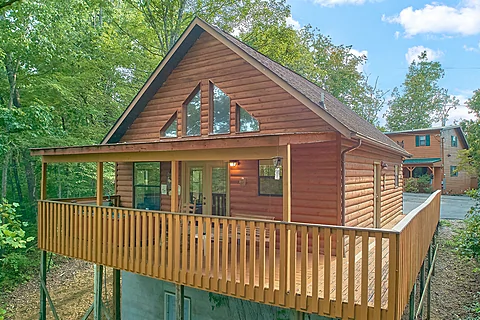
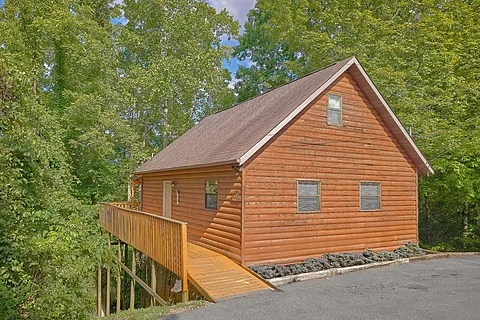
Bring heaven to you on your next Smokies getaway with a stay at "A Piece of Heaven." This
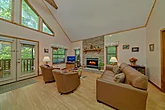
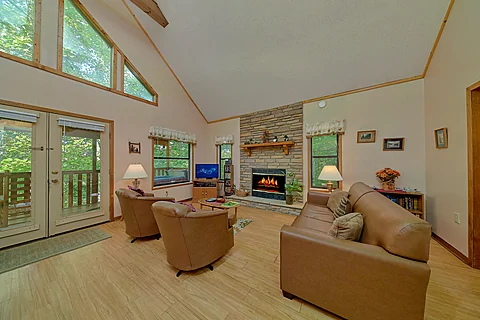
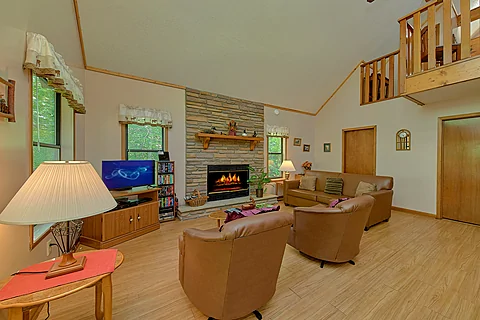
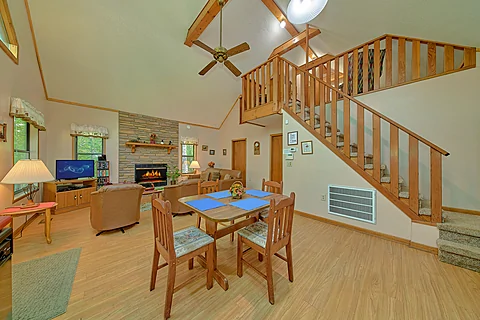
As you enter your
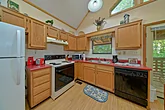
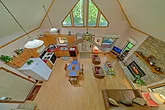
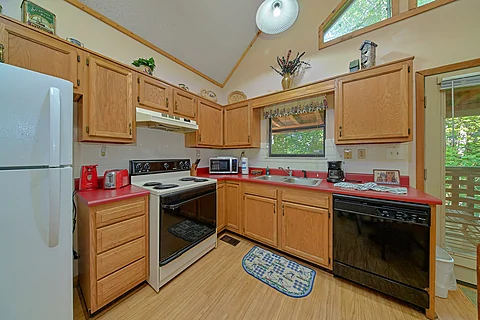
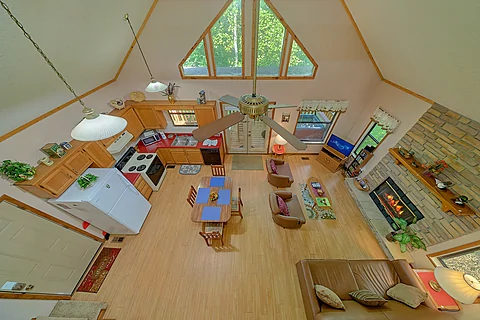
Instead of going out to eat, you only need to head to the full kitchen to handle your appetite. Whip up snacks for your shows or cook a full-course meal to share in the dining area. After putting the dishes away, it's time to explore everything the Smokies offer.
A short drive puts you within reach of everything you could want to enjoy in the Smokies. Do you love shopping? Tons of shopping outlets are near your vacation cabin. Do you love the attractions? A short drive puts you close to Dollywood, the Island, and the Titanic Museum, among other all-time favorites.
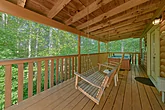
Nature lovers in your group will love every moment of their stay, from the wooded views surrounding the cabin to how close the Great Smoky Mountains National Park and other natural wonders are to your rental cabin. Hike the trails. Find the waterfalls. Everything is within reach while staying at "A Piece of Heaven."
When not playing in the Sevierville area, you'll love taking it easy at your
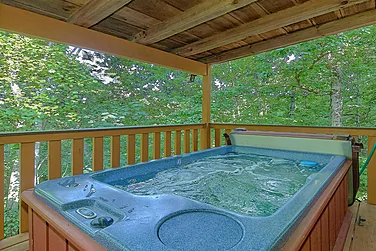
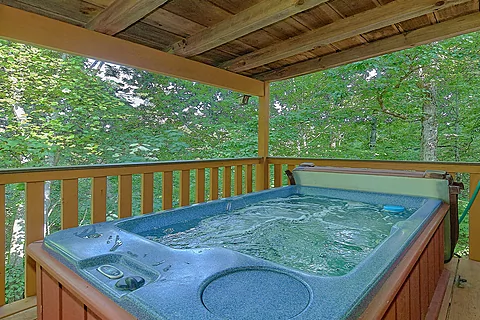
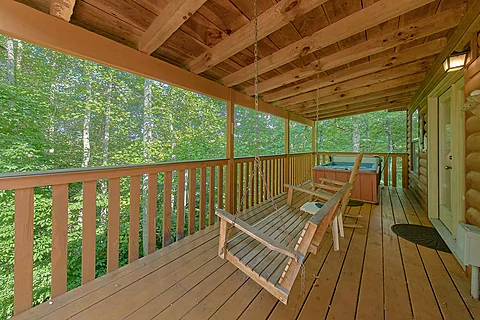
Take your relaxation to new heights by sliding into the hot tub. Feel the warm water melt your stress while your pets run around and play.
In addition to relaxing cabin features, practical ones like Wi-Fi are available, letting you stay on top of events and activities in the Smokies for unlimited fun and entertainment.
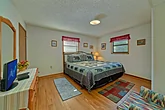
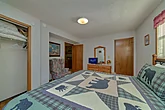
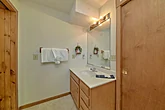
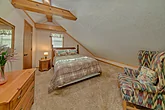
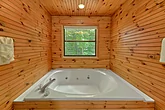
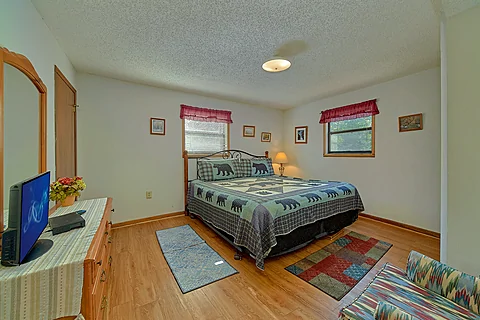
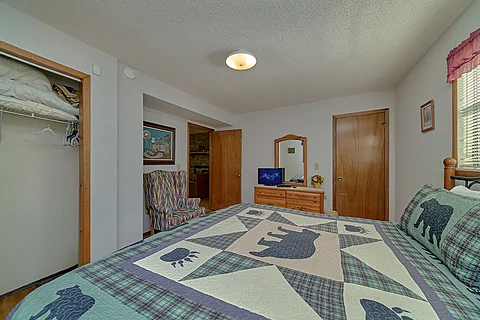
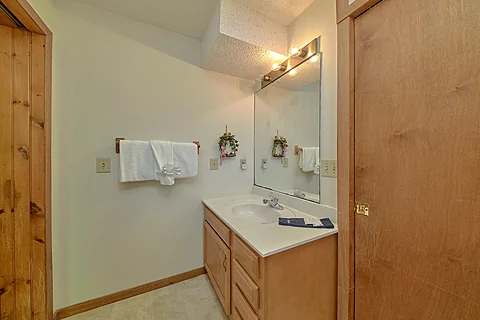
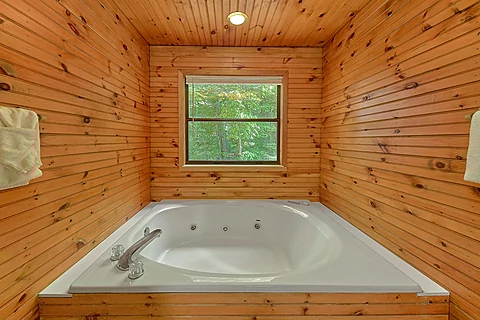
Once ready to rest, you can look forward to sleeping in the king-sized bedroom with a full bathroom and a jetted tub for a restful evening experience.
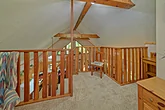
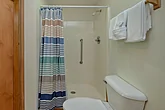
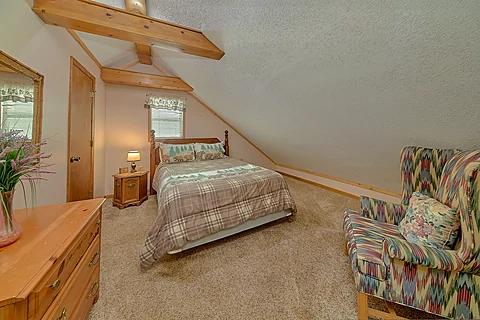
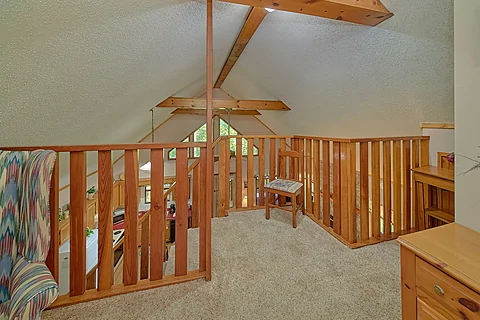
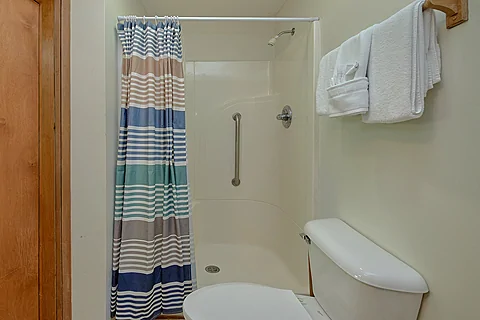
Upstairs, you'll find a full-sized bed and a bathroom for additional sleeping space. With the sleeper sofa, "A Piece of Heaven" sleeps six guests, making it perfect for a romantic stay or a family vacation in the Sevierville area.
Feel closer to heaven on your next Smoky Mountain vacation with loved ones by grabbing your spot at "A Piece of Heaven!" Book your
Instructions:
Do you want to explore the cabins before you arrive? That's easy, thanks to our 3D Tour powered by MatterPort. Just press the Play button to get started. There are different viewing options available:
In first-person view, navigate through the cabin using the touch screen.
To look around, drag your finger left, right, up, or down. To move to another area, tap on the screen or the hollow white circles on the floor to move the direction you're facing.
To view in full-screen, click the far right icon to enter full-screen mode. Drag from the top of the screen and press the back button to exit full-screen mode.
To use measurement mode, after clicking the plus sign, press and hold to add your start point. Once done, press and hold to add your end point.
In first-person view, use the arrow keys on your keyboard to move around the cabin.
The left and right arrows let you look around while the up and down arrows let you move forward and backward. Also, you can click on the hollow white circles to move to a specific point.
To view in full-screen, click the icon on the far right to enter full-screen mode. Press escape to exit full-screen mode.
To use measurement mode, after clicking the plus sign, click anywhere you want to add to your start point. Once done, click on another spot to add your end point.
 - Office Location
 - Cabin Location
