


A vacation to Nashville is a fun experience, only made better by staying in one of our
 Free
Free
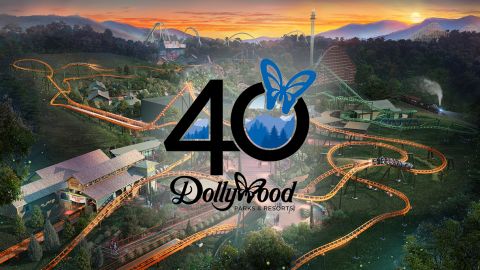
1-Day Dollywood Theme Park Tickets
Discover Dollywood, a premier theme park in Pigeon Forge, Tennessee, offering over 50 rides and attractions, award-winning entertainment, and rich Appalachian culture.
 Free
Free
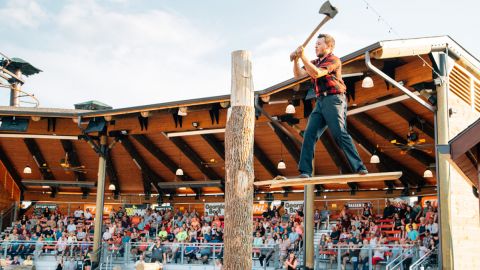
Paula Deen's Lumberjack Feud: Supper Show
Experience an action-packed evening at Paula Deen's Lumberjack Feud Supper Show in Pigeon Forge, featuring thrilling lumberjack competitions, toe-tapping music, and a hearty all-you-can-eat Southern supper buffet.
 Free
Free
Soaky Mountain Water Park: Daily Tickets
Soaky Mountain Waterpark is a new 50-acre waterpark located in the heart of the Smoky Mountains. This incredible park includes a variety of adventures and rides to ensure excitement for everyone.
 Free
Free
Country Tonite Tickets
Enjoy a high-energy, award-winning country music show featuring singing, dancing, comedy, and youth performers in Pigeon Forge.
 Free
Free
Upper Pigeon River Rafting: Whitewater Trip
Embark on a thrilling whitewater rafting experience along the Upper Pigeon River, navigating Class III rapids amidst the scenic beauty of the Great Smoky Mountains. Seasonally Available: March - September
 Free
Free
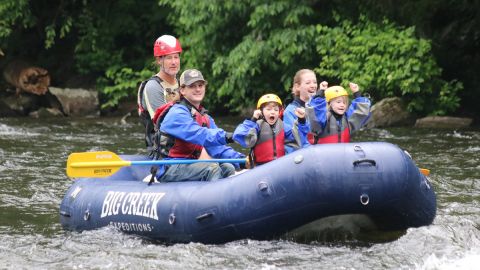
Lower Pigeon River Rafting: Scenic Float Trip
Enjoy a relaxing float along the Lower Pigeon River, taking in panoramic views of the Smoky Mountains on this family-friendly rafting adventure. Seasonally Available: April - October
 Free
Free
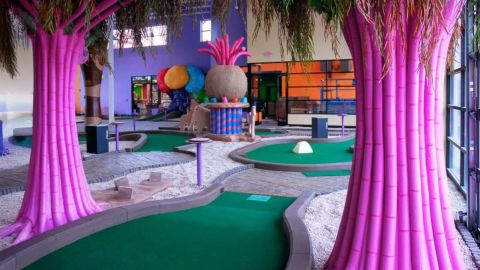
Mini Golf at Crave Golf Club
Experience a candy-themed adventure at Crave Golf Club in Pigeon Forge, Tennessee, featuring 19-hole indoor and rooftop mini-golf courses, escape rooms, mini-bowling, and a candy store.
 Free
Free
Gatlinburg SkyLift: Single Visit Tickets
The Gatlinburg SkyLift was the first four-season scenic chairlift in the south when it opened in 1954. This landmark transports guests from the heart of town up 1,800 feet above sea level to the top of Crockett Mountain, where the record-breaking Gatlinburg SkyBridge is located. You will see the most beautiful, ever-changing views in all of Gatlinburg!
 Free
Free
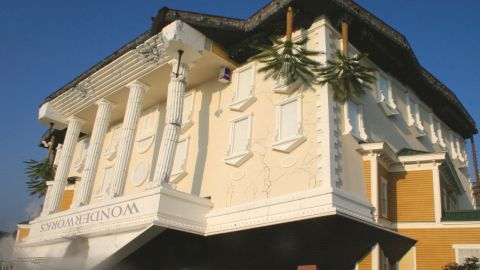
WonderWorks : All Access Passes
WonderWorks features over 100 interactive exhibits for visitors of all ages to experience. Some of the exhibits include the death-defying bed-of-nails, wonder coasters, a bubble lab, an indoor glow-in-the-dark ropes course, astronaut training gyros, and more!
 Free
Free
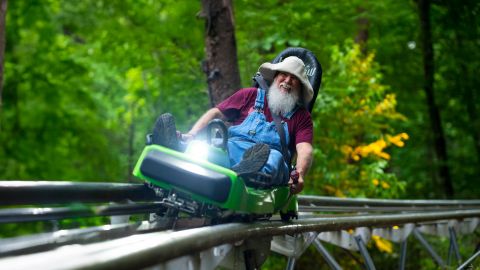
Moonshine Mountain Coaster
Experience the thrill of the Moonshine Mountain Coaster, Gatlinburg's premier mountain coaster, offering an exhilarating ride through the Smoky Mountains with speeds up to 30 mph.
 Free
Free
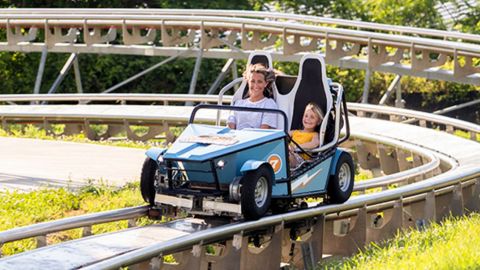
Rowdy Bear's Smoky Mountain Snowpark
Experience thrilling coaster rides, one-of-a-kind laser shooting from a ski lift and axe throwing —all at Rowdy Bear’s action-packed Snowpark in Pigeon Forge.
 Free
Free
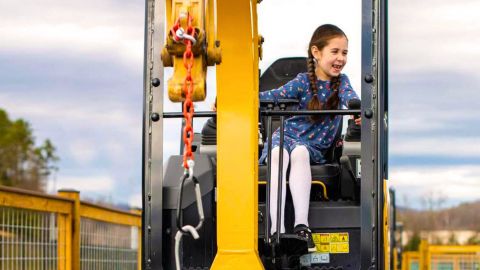
Dig 'N Zone - Single Day Pass
Operate real construction equipment and enjoy interactive rides at America’s only construction-themed amusement park for all ages.
 Free
Free
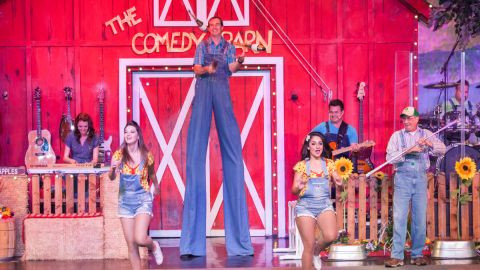
Regular Admissions to The Comedy Barn Theater
Enjoy over two hours of clean, family-friendly comedy at The Comedy Barn Theater in Pigeon Forge, featuring comedians, jugglers, ventriloquists, barnyard animals, and live country and gospel music.
 Free
Free
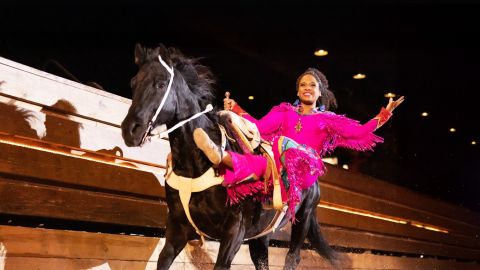
Regular Admission for Dolly Parton's Stampede Dinner and Show
Experience an unforgettable evening at Dolly Parton's Stampede in Pigeon Forge, featuring thrilling horse riding stunts, spectacular special effects, phenomenal music productions, and a mouthwatering four-course feast.
Whether you want to reconnect with loved ones in a cozy living room or simply want to be close to everything that makes Nashville fun, our
A short drive from our
Wherever you choose to play in Nashville, our condo rentals keep you in the middle of all the fun attractions and activities, letting you create memorable moments with those who matter most before unwinding more back at your Nashville condo rental.
When not playing in Nashville, you'll love unwinding in our
For extra ambiance during your stay, stay in one of our condos with a fireplace for a cozy evening with loved ones. Another perk of our condo rentals is the rooftop views. Head to the roof and enjoy the city skyline for a scenic view that's unmatched in Nashville.
Besides relaxing amenities, our vacation condos are family-friendly. Grab one of our 4 bedroom rentals or one of our other family-friendly rentals for maximum space while remaining together. No matter the occasion, we have you covered with the perfect fit.
There's never been a better time to make your Nashville getaway with loved ones flawless. Book one of our


